Saltar para a informação do produto


Switch USB-C H200 2-em-1 (4K@60Hz) – Compartilhamento de Monitor, Teclado e Mouse para PC/PS5
Preço de saldo
Kz36,553.99 AOA
Preço normal
Kz38,128.77 AOA
✨ Conectividade 4K Sem Complicações: Switch USB-C H200 (Leano Shop)
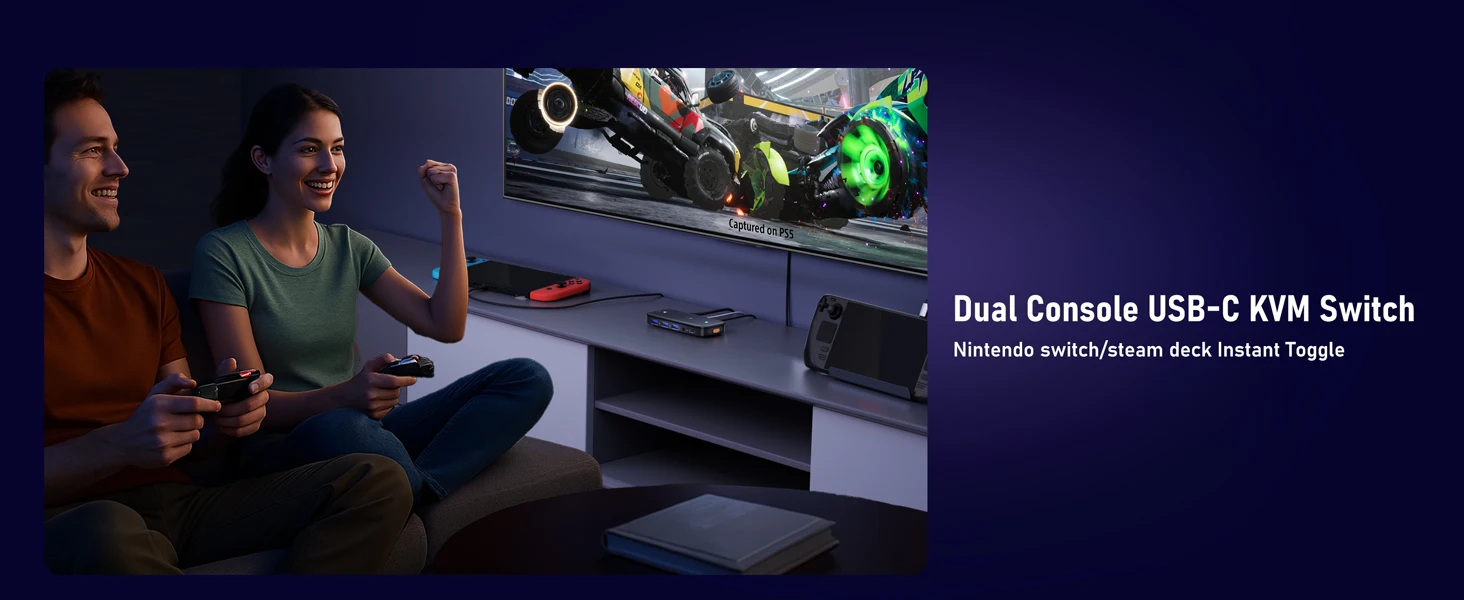
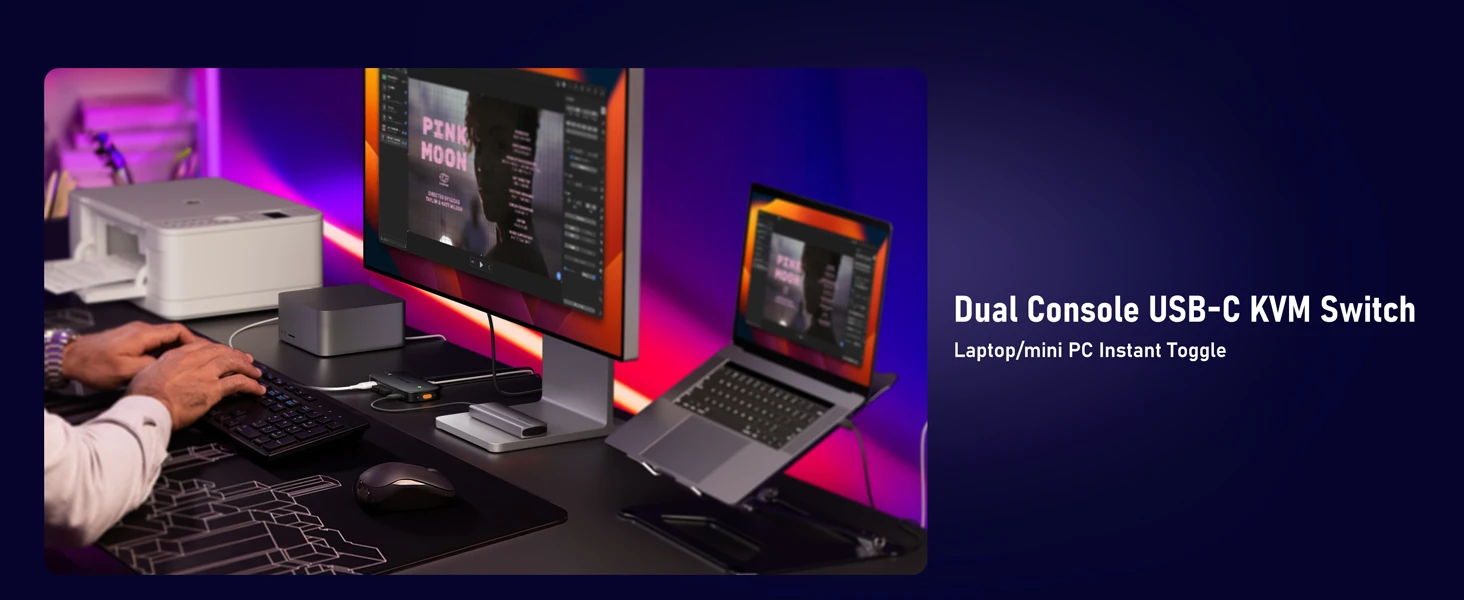
Simplifique o seu setup de trabalho ou gaming! O Switch USB-C H200 da Lemorele permite compartilhar um único monitor e conjunto de periféricos (teclado, mouse, docking station) entre dois dispositivos diferentes (como um PC e uma PS5, ou dois laptops).
Basta pressionar um botão para alternar o controlo e a imagem, mantendo a mais alta qualidade de vídeo 4K a 60Hz. É o acessório ideal para quem precisa de produtividade e entretenimento no mesmo espaço.
✅ Benefícios e Vantagens Chave:
-
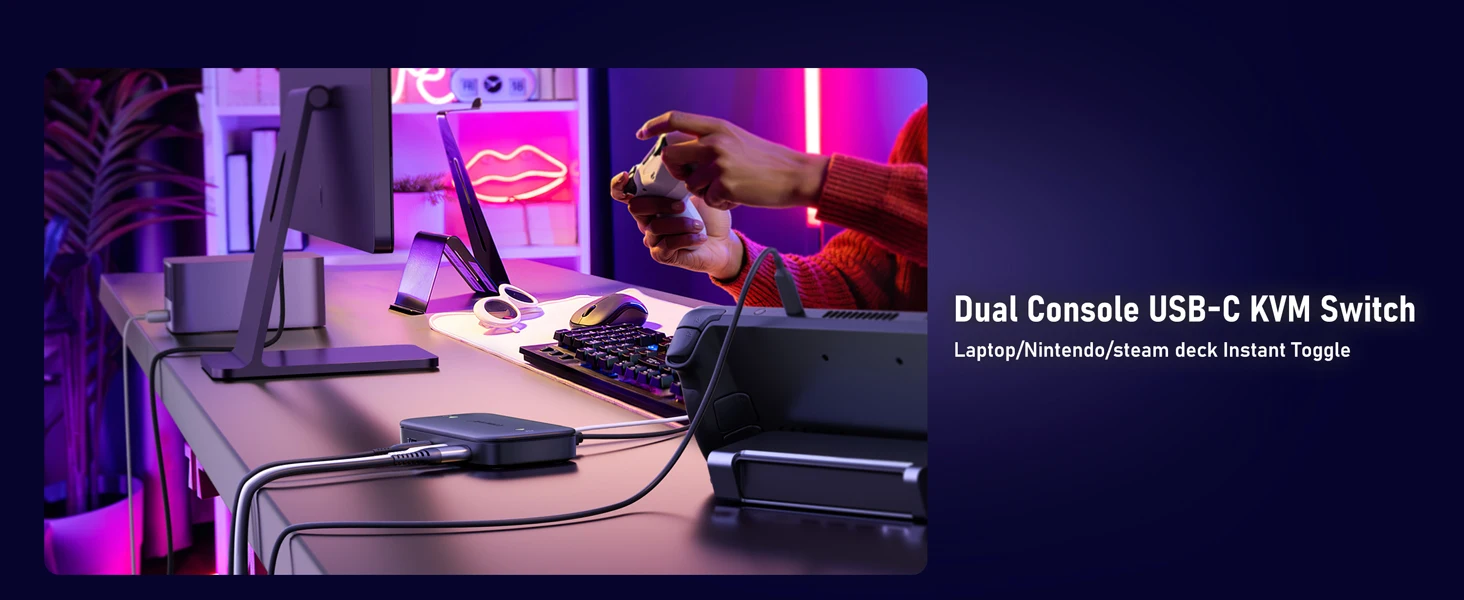
Comutação 2-em-1 (KVM): Permite ligar dois dispositivos (Fontes) a um único Monitor/Projetor e a um conjunto de periféricos (Teclado, Mouse), eliminando a necessidade de trocar cabos constantemente.
-
Qualidade de Imagem Superior: Suporta resoluções 4K Ultra HD a 60Hz (via porta USB-C com saída HDMI), garantindo fluidez e clareza para gaming e trabalho gráfico.
-
Plug & Play: Instalação fácil e rápida, sem necessidade de drivers ou software adicional. Simplesmente plug-and-play.
-
Ampla Compatibilidade: Ideal para Laptops, PCs, Consolas (PS5, Xbox), e compatível com a maioria dos monitores e docking stations USB-C.
-
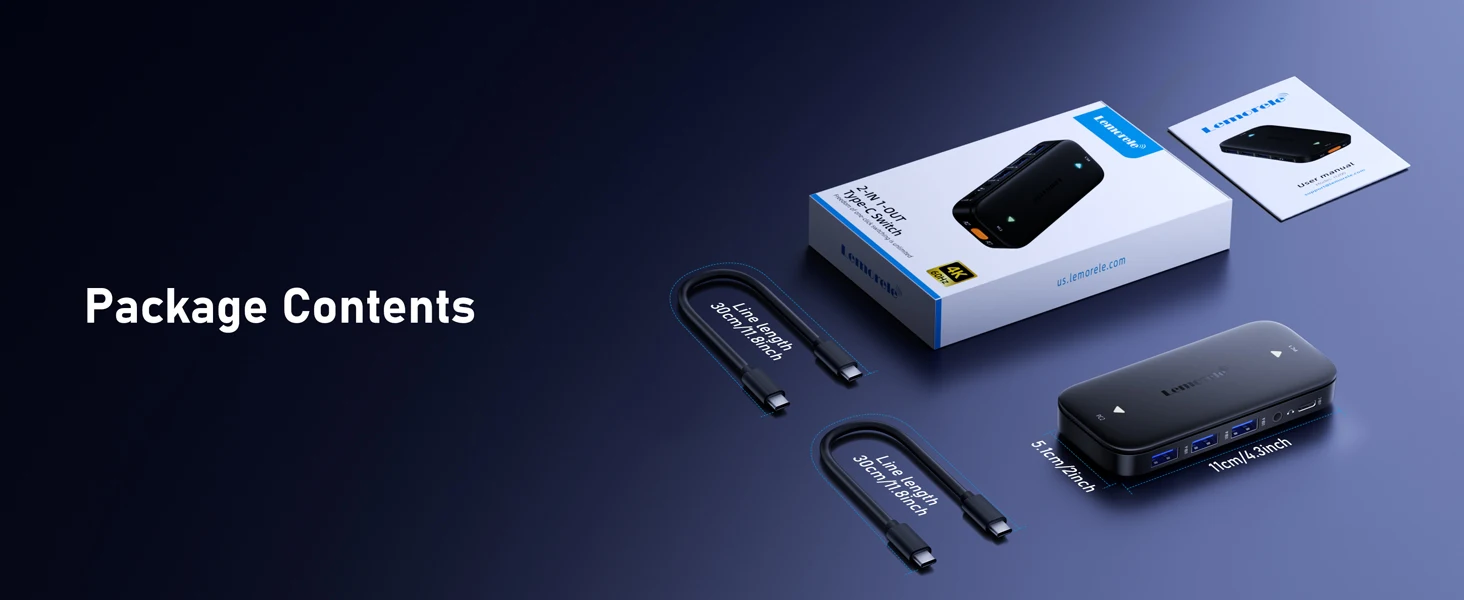
Design Compacto: Portátil e discreto (peso 90g), fácil de integrar em qualquer ambiente de trabalho ou sala de estar.
| Especificação | Detalhes |
| Marca | Lemorele |
| Modelo | H200 |
| Tipo | Switch USB-C (Comutador 2-em-1) |
| Conectores | Tipo-C (Entrada/Saída), HDMI-Compatível (Saída de Vídeo) |
| Resolução Suportada | 4K @ 60Hz |
| Alimentação Externa | Não Necessária (No External Power Source) |
| Uso Principal | Compartilhamento de Monitor e Periféricos (KVM) |
| Peso | 90g |
| Certificação | CE |
【USB-C to HDMI Design】
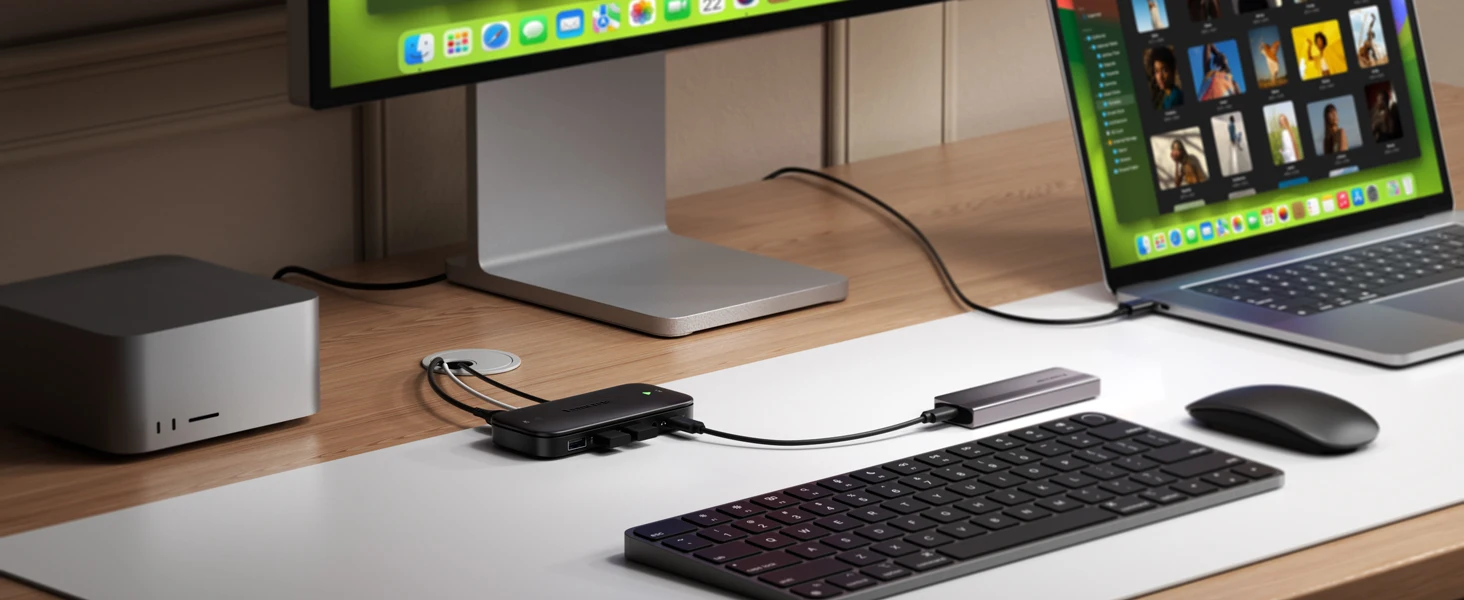
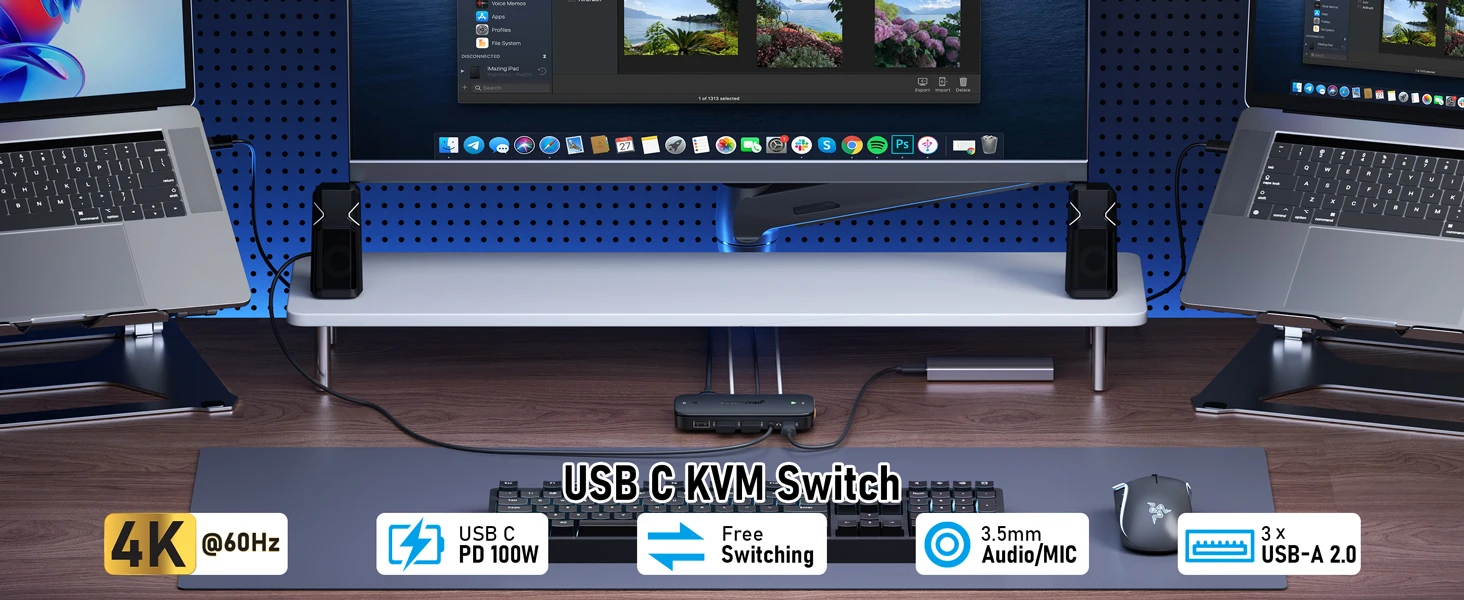
The USB-C KVM switch can easily switch between 2 USB C desktops and laptops, sharing 1 set of wired/wireless keyboards, mice, flash drives, and 1 HD HDMI monitor. Designed for users with 2 Type-C port computers and 1 HDMI port monitor. Note: Please check the connection cable carefully before turning it on. And make sure all interfaces are connected properly
【Easy Switching & 100W PD Fast Charging】
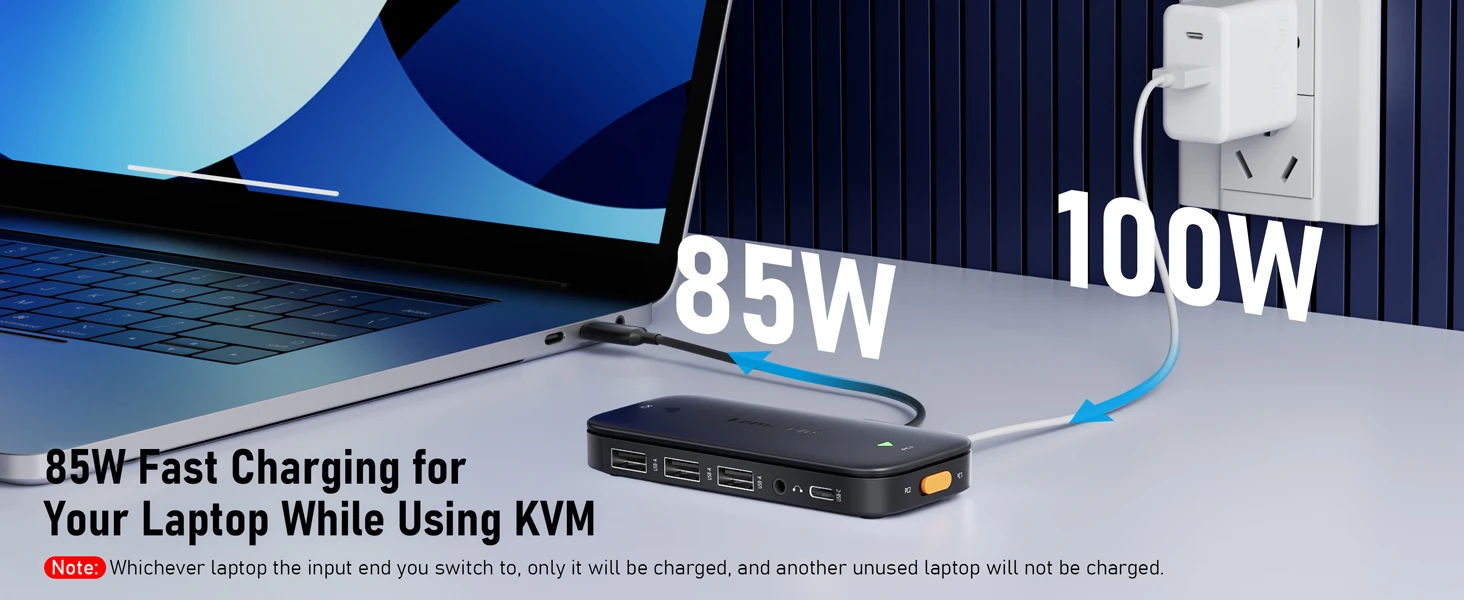
This USB Type-C KVM switcher supports physical button control (no remote control switching), you can select the computer you want to display by pressing the button on the KVM switcher. The LED indicator will indicate which computer is running. Designed with a PD charging port to provide enough power for your laptop during use. This is a very stable HDMI KVM switcher. Note: No matter which laptop you switch the input to will only charge it, not another unused laptop
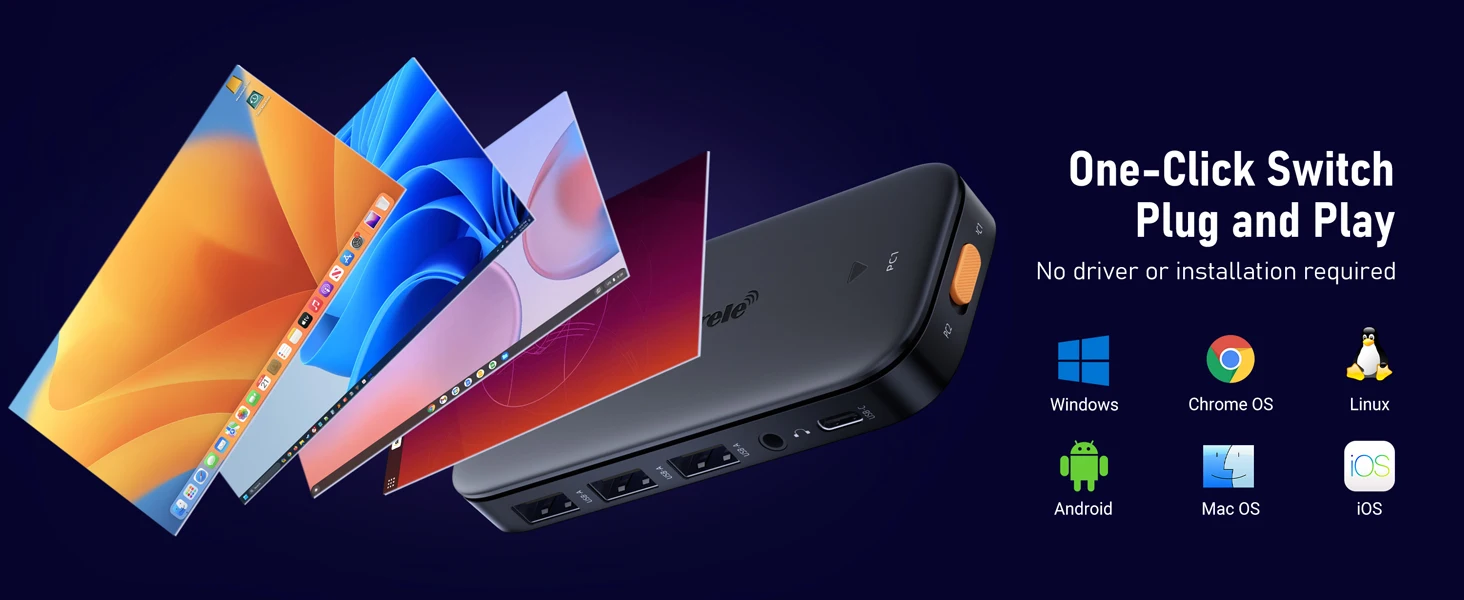
【Plug & Play & Strong Compatibility】
The 2-port KVM switcher requires no driver, plug and play, lightweight and compact design, allowing you to put it in any laptop travel bag, suitable for laptops or computers with Type-C ports. AILVLVNG New KVM Switcher 1 Monitor 2 Computers USB C helps you streamline your work and improve efficiency. Common scenarios include home offices, small businesses, computer rooms, server rooms, etc
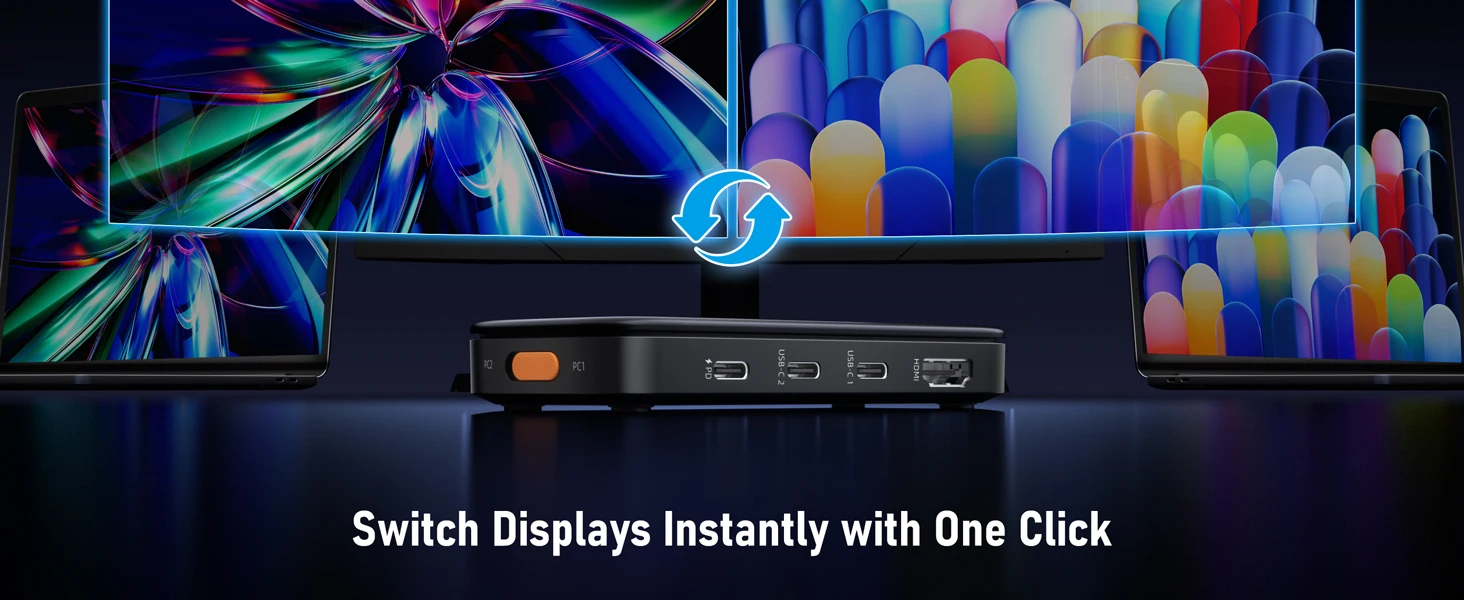
【Connect USB C & A Devices】
USB-C KVM switcher 2 computers, with 2 USB A ports and 1 USB C port, can recognize wired/wireless keyboards, mice, USB flash drives. Note: The USB-C port is connected to a USB-C drive for data transfer only and cannot output video. The use of high-power USB devices (e.g., hard drives, SSDs, etc.) is not supported
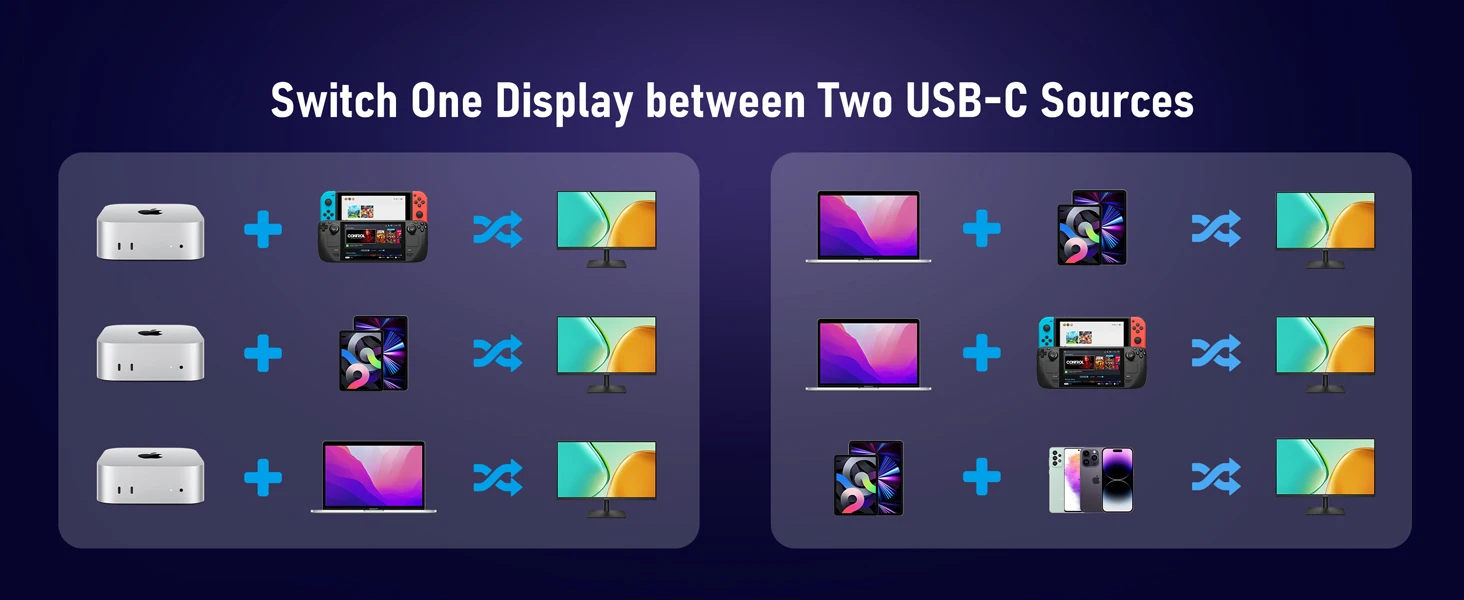
【Ultra HD 4k@60Hz】
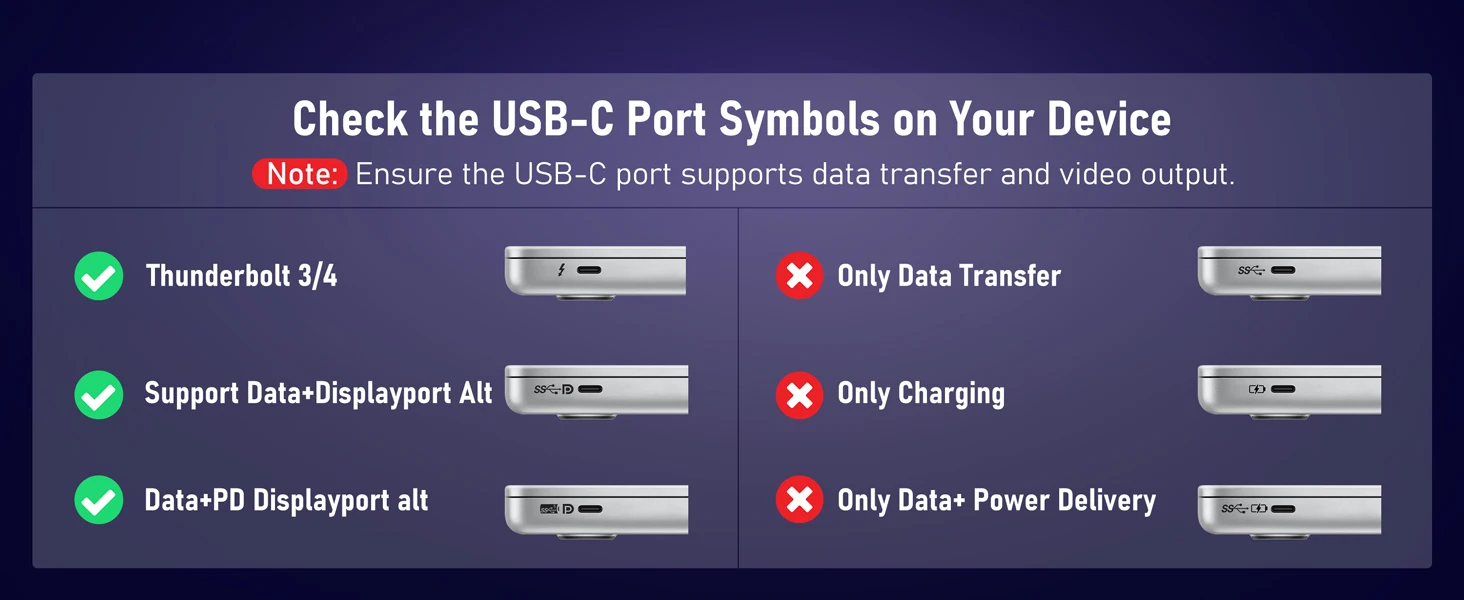
HDMI single display kvm switch supports resolution 4K@60Hz, making the image display more delicate and realistic, and the colors are brighter and more moving, truly bringing you a visual feast. Of course, it also supports 4K@30Hz, 2K, 1080P, or lower resolutions. Note: Before purchasing, please make sure the USB-C port on your laptop/computer supports video output transmission. If you need 4K resolution, use an HDMI 2.0 cable and a shorter the better HDMI cable length, and make sure your computer and monitor support 4K!